Allori — The Client Selection Toolfor Interior Designers

The beautiful, simple way to present design options and collect client selections — without the email chaos.
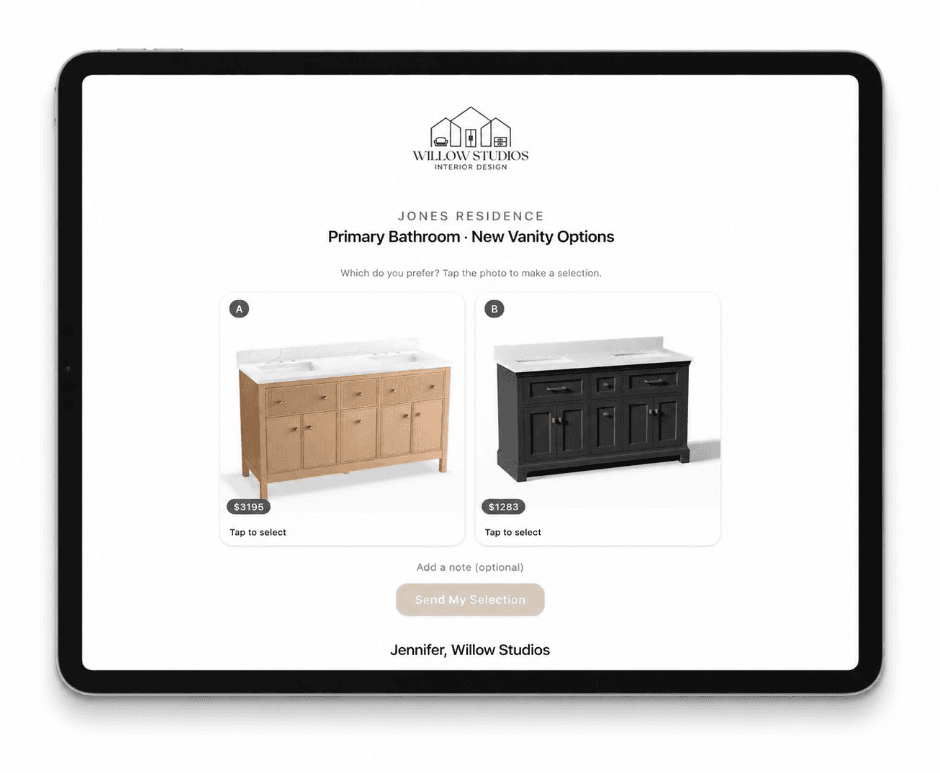
Stop chasing clients for design decisions
With Allori, getting selections approved will be the easiest part of your day.
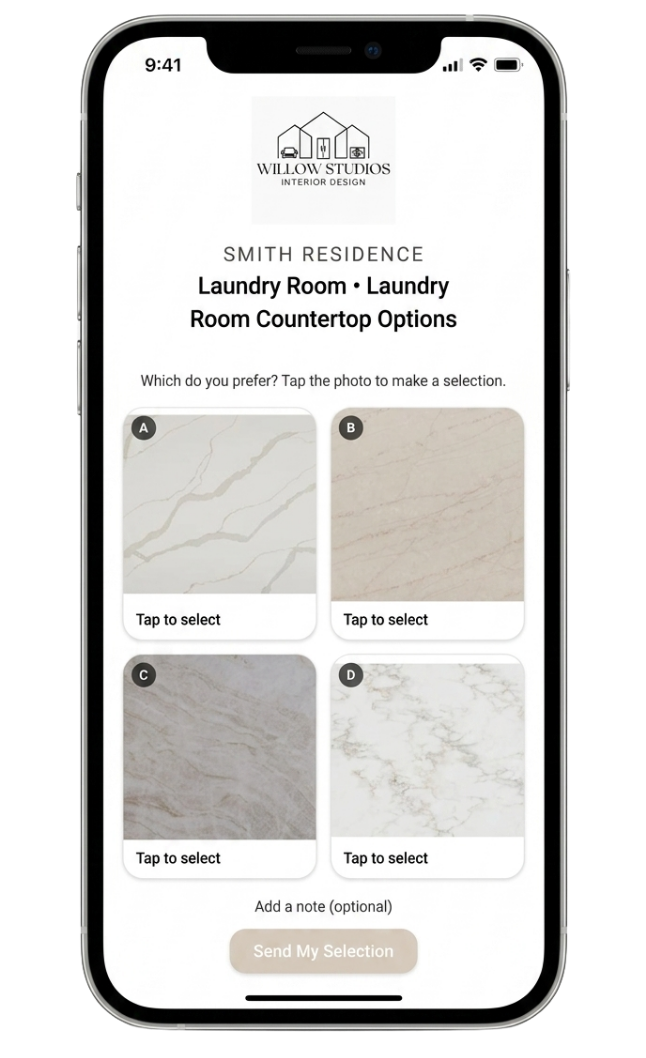

Get client decisions in minutes, not days
Here's how it works
Step 1
Create a selection request
Upload photos or pull from your library. Select a few details — done.
Step 2
Send the link
No client login. No "which email was that in?" Only clear options.
Step 3
Client taps to select
They choose, you get notified. The selection is recorded and saved.
Yes, it's really that simple.
You'll wonder how you ever lived without it.
Show options. Get answers. Move forward
Furniture, finishes, fixtures — whatever your clients need to see, send it with Allori and get a decision.
Furniture and fabrics
Tile, stone, and flooring
Cabinet and countertop finishes
Window treatments
Paint colors and wall treatments
Lighting fixtures
Hardware and plumbing
Layouts
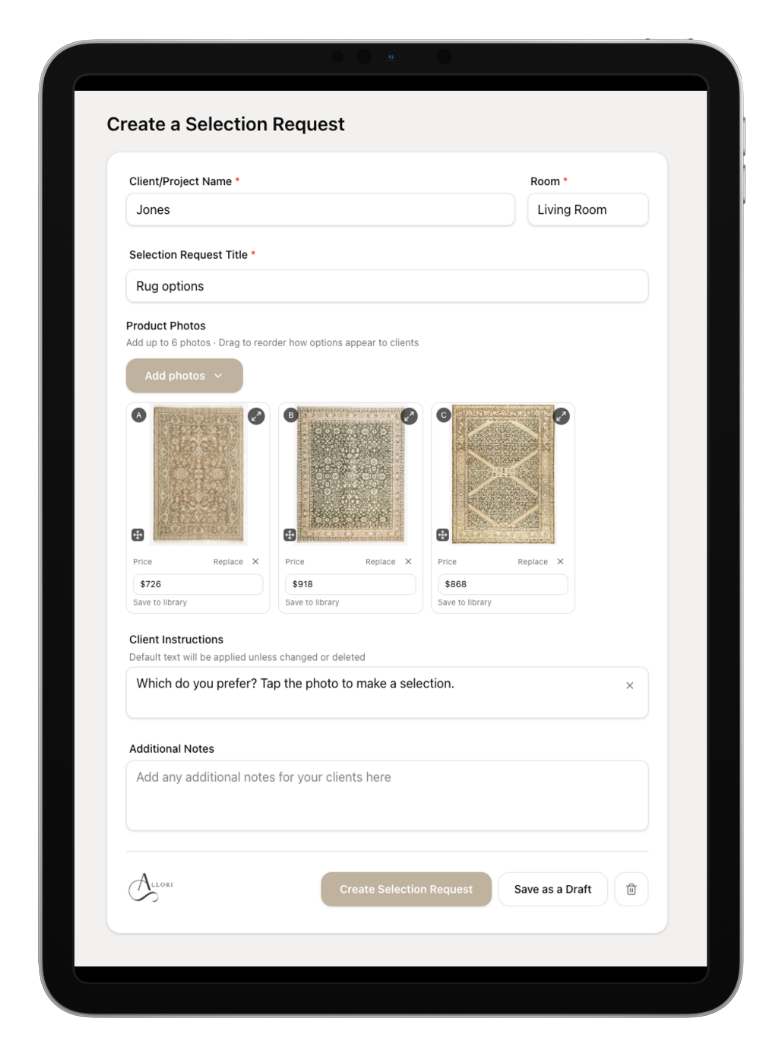
From options to link in 2 minutes
Upload your photos, pick a project and room, hit send. Your client gets a clean, branded link — you get a decision.
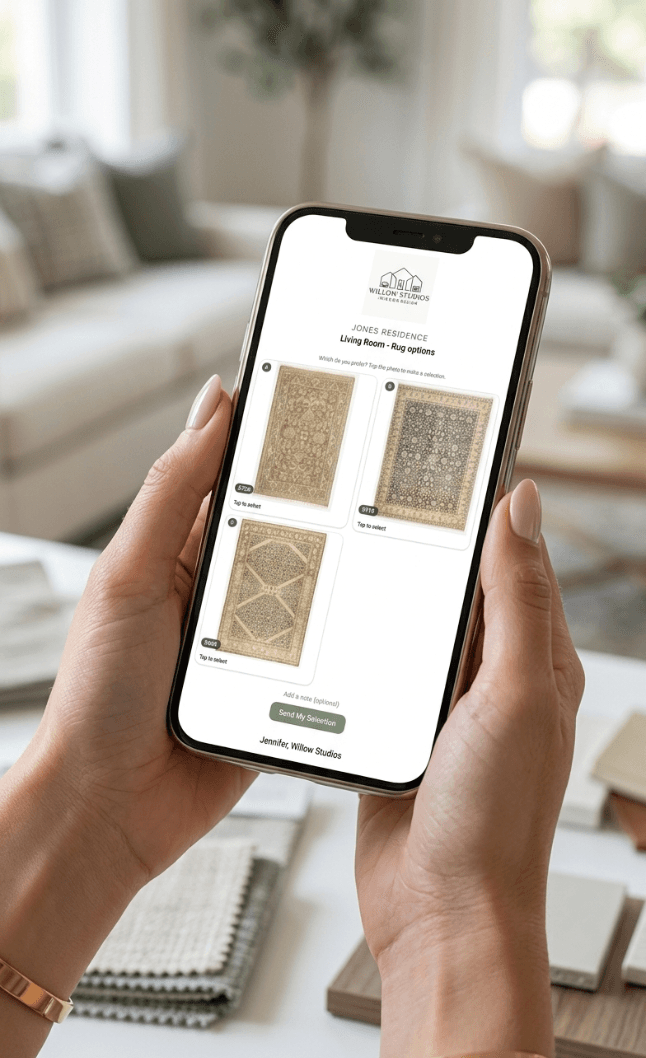
Start getting faster approvals today.
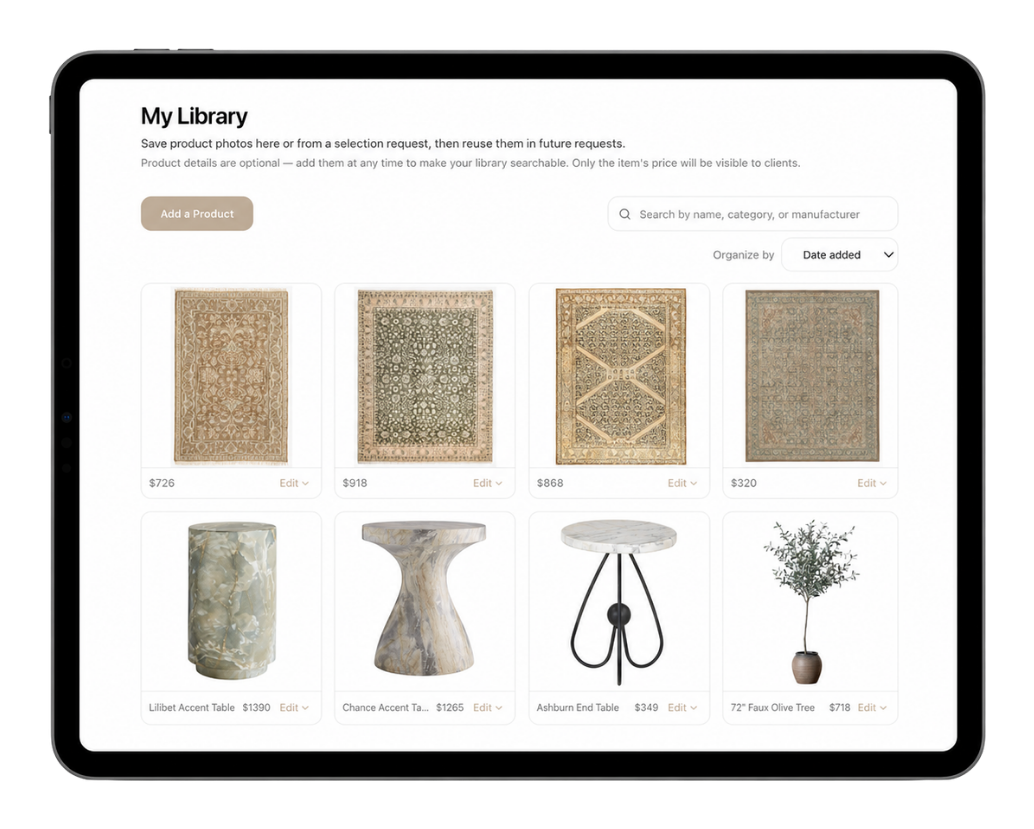
Yes, let's do it!Save the products you love
Reuse products across multiple projects without re-uploading or re-entering anything.
That chair all your clients love, so you spec it over and over? One click and it's added.
Check selection status at a glance
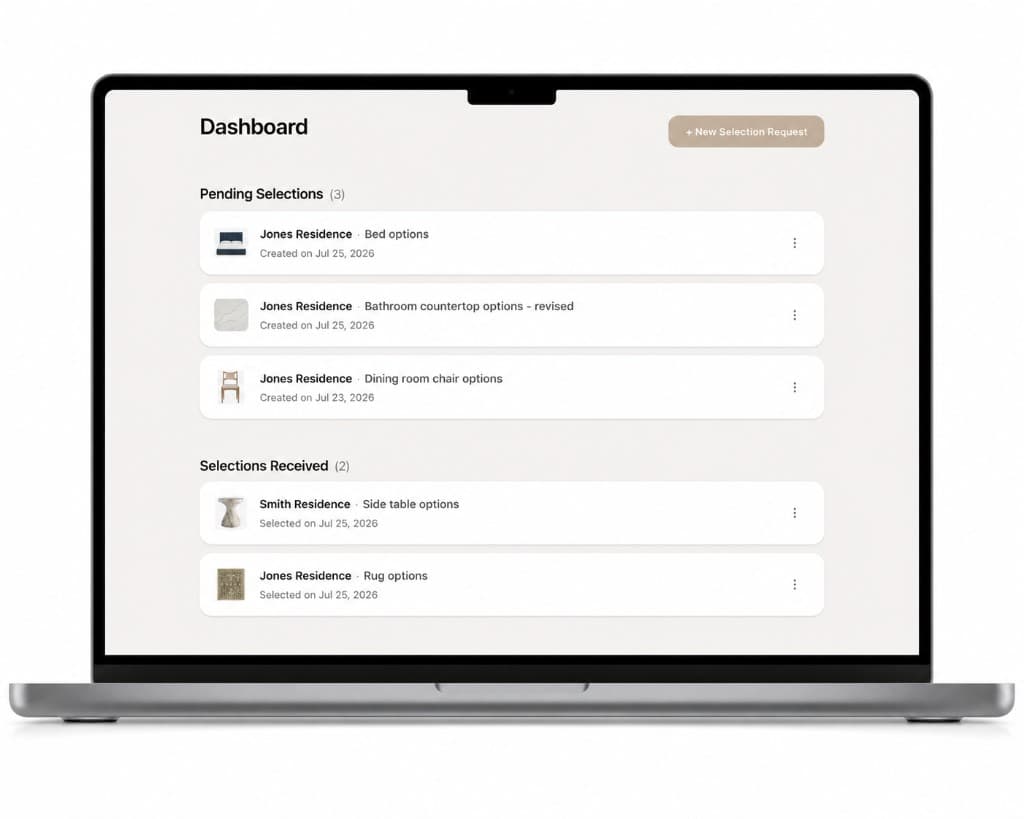
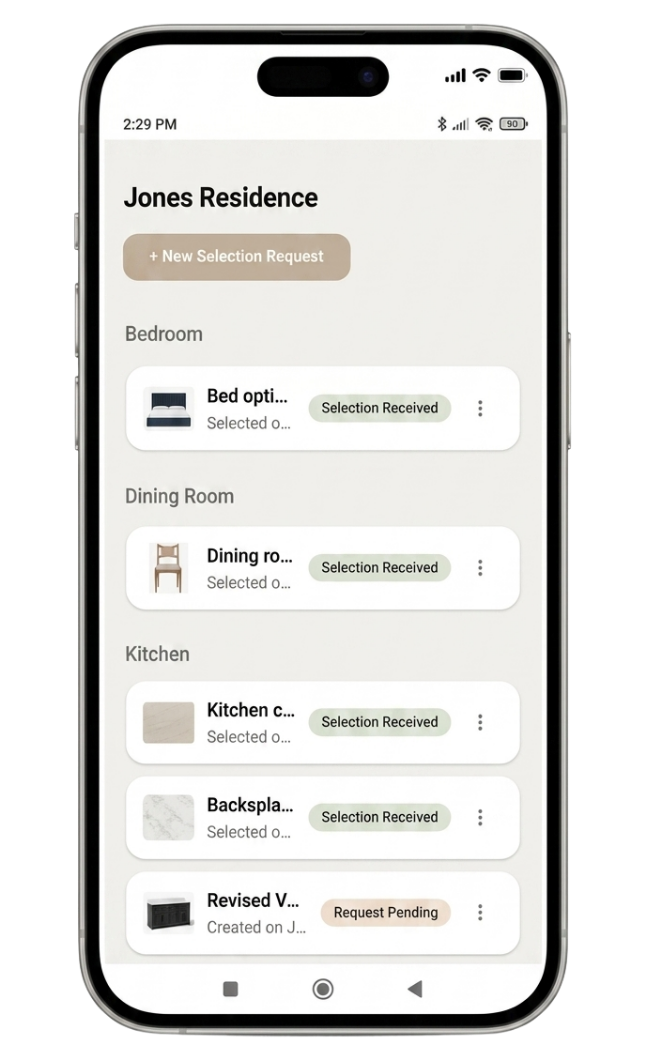
Clients choose, you know instantly
No more endless searching through email threads to figure out who you're waiting on or what product your client actually chose.
At a glance, you know who's still deciding and what's ready to order — without opening a single email.
Built for the way you actually work
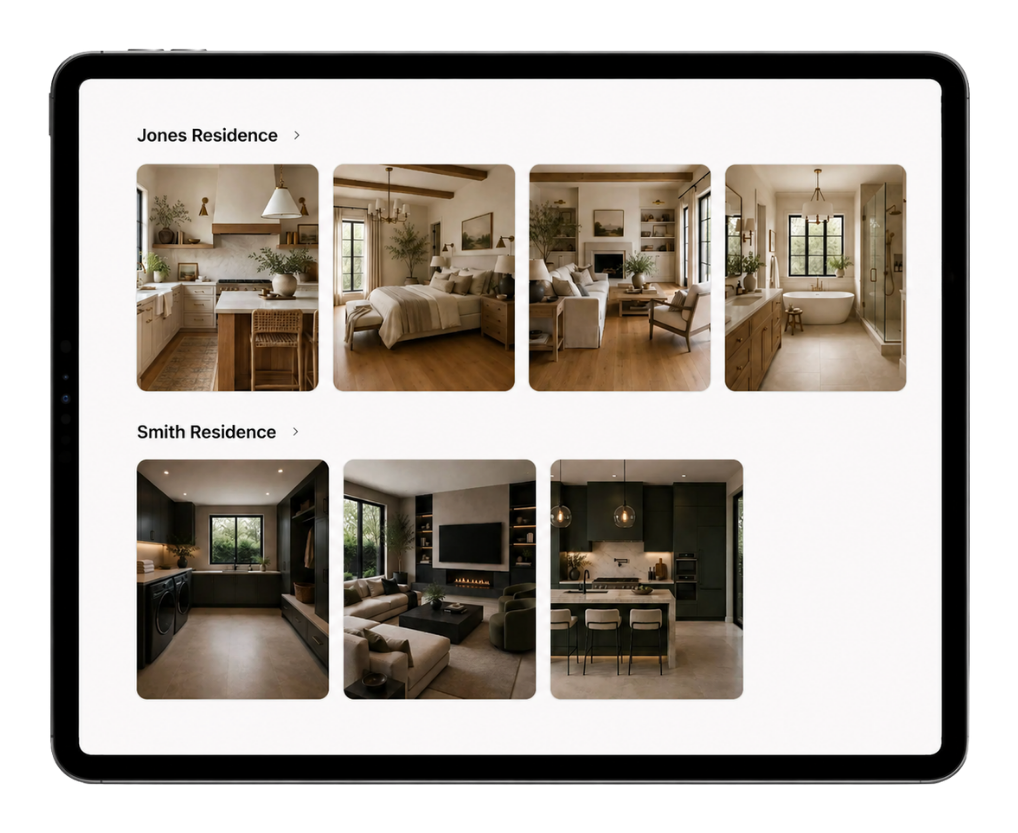
This is not a spreadsheet or a database. And it's not another all-in-one platform that takes six weeks to set up and a week to cancel.
Allori is a space that matches how you think, and works alongside whatever you're already using—making the messy part of your job finally feel beautifully organized.
Join other designers who are loving Allori
My clients actually make decisions now instead of ghosting me. Allori turned our selection process from a headache into something everyone enjoys.
Turn options into approvals
Faster decisions with less follow-up. Try Allori free for 30 days.
$17/mo
For individual designers
- Unlimited projects
- Unlimited selection requests
- Save and reuse product photos
- Selection status tracking
- Client sharing (no login)
- Custom branding
Team Plan
For design firms with multiple designers
- Same product, one studio subscription
- Discounted per-seat pricing
- One bill for your firm
- Owner invites and manages seats
- Each designer keeps their own login
30-day free trial. No charge today, easy to cancel. We'll remind you 7 days before your trial ends.
Questions?
We have answers.
Check out our FAQ page to learn more.
Ready to stop the email back-and-forth?
Try Allori free for 30 days — Send your 1st Selection Request today
Yes, let's do it!